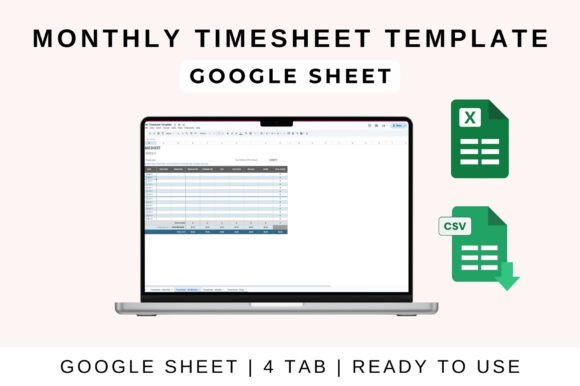
Streamline Your Creative Workflow with a Monthly Timesheet Template
In the dynamic world of graphic design, managing time is as crucial as managing pixels. A clean, organized Monthly Timesheet Template is the unsung hero of a successful creative workflow, transforming chaotic time tracking into a streamlined, professional process. This simple tool is essential for freelancers, agency teams, and in-house designers alike, ensuring every billable hour is captured and every project remains profitable.
Why Time Tracking is a Design Project Management Essential
For designers, time is the fundamental resource. Accurate tracking goes beyond payroll; it provides invaluable data for project scoping, client billing, and understanding your true creative capacity. A well-structured template helps you analyze where your hours go—whether it's on logo design iterations, UI design prototyping, or social media graphics production. This data-driven approach strengthens your brand identity as a professional, reliable creative partner.
Key Features of an Effective Template
An ideal template is both simple and powerful. Look for one that includes:
- Auto-calculated totals for daily and weekly hours, reducing manual errors.
- Clear sections for time in/out, breaks, and project notes to capture context.
- A monthly overview for quick performance reviews and reporting.
- Full editability and compatibility with tools like Google Sheets, Excel, and Apple Numbers.
This structure mirrors the principles of good visual design: clarity, hierarchy, and functionality.
Practical Applications Across Creative Fields
Integrating a timesheet template into your process has direct benefits for various creative outputs. For marketing materials and advertising campaigns, precise time logs help justify budgets and demonstrate ROI. In editorial design and packaging design, tracking hours per section or revision cycle ensures the project stays on schedule. Even for digital products and web design, time data informs future sprint planning and resource allocation.
Tips for Seamless Integration into Your Design Workflow
Choose a template that aligns with your existing systems. Its visual layout should be clean, with a clear typography hierarchy and a neutral color palette that doesn't distract from data entry. Consistency is key—use it religiously for every project to build a reliable historical record. This practice enhances your overall professional presentation to clients and stakeholders, showing meticulous attention to detail.
Ultimately, a Monthly Timesheet Template is more than an administrative tool; it's a cornerstone of creative project management. By bringing order to your hours, you free up mental space for what matters most: the creative work itself. Thoughtful organization supports bold visual communication, allowing your design inspiration